How Do I Search the Private Database?
The private database has structured data about live and historic RFx activity for the subscribing organization. Only users from the organization can see this data.
Last updated February 2026
Who Is This For?
The repository of private data spans live RFx they are working currently in Sextant AI; RFx they have issued in the past along with the responses they received and the vendor they selected; and contracts they have signed. It is highly confidential. This is a way of sharing market intelligence within the organization’s procurement team, but also across the enterprise to people from the C-suite, finance, operations, product, and marketing.
Common Issues
Some users may require instruction to get the most out of the structured data we have in our repositories.
Solution Overview
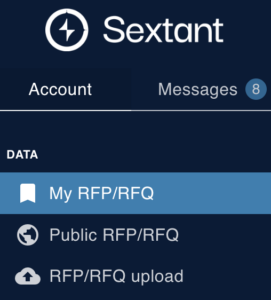
1. Select “My RFx” in the left hand menu:
You will see the following. Note the toggle for “Open” or live RFPs and “Historical” or expired and awarded RFPs.
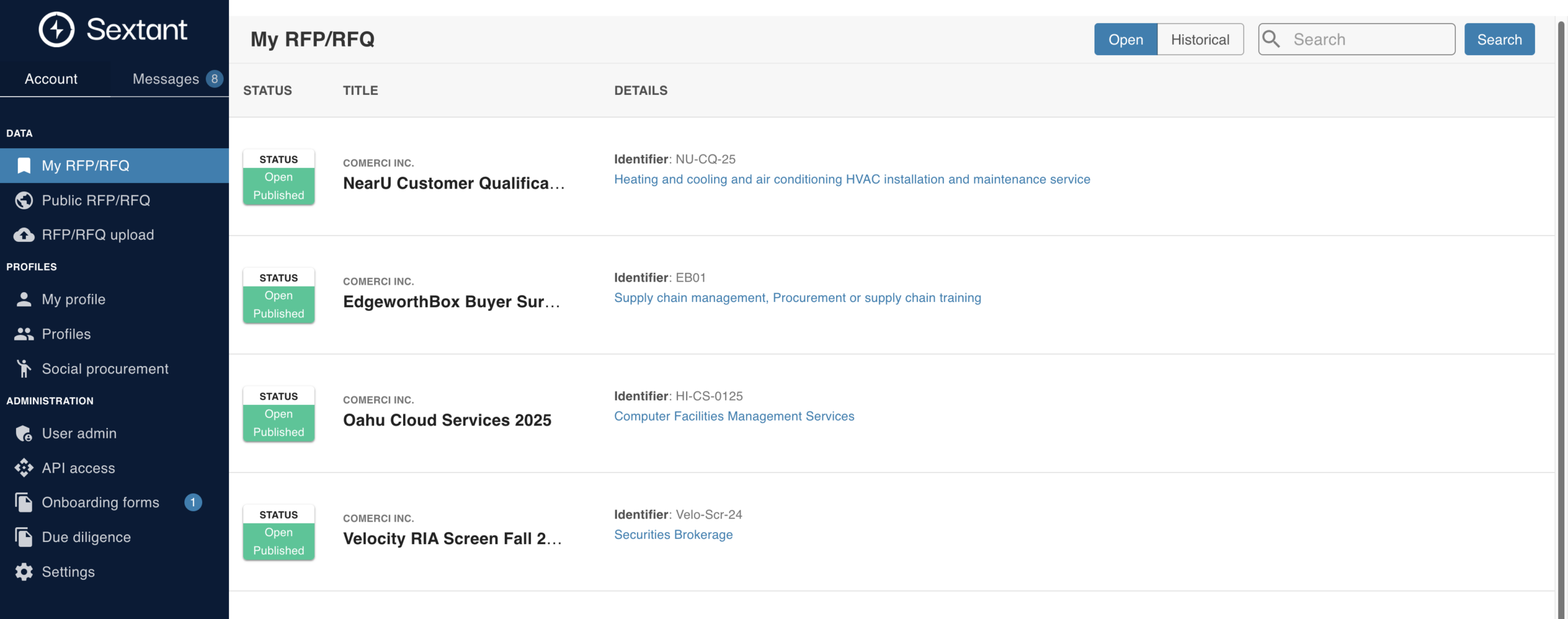
You can scroll manually through the data, page by page, with the page navigation at the bottom. Here, in this example, we only have two RFPs.
2. Instead of scrolling manually, you can use the Search functionality in the upper right hand corner of the screen:

3. Enter a search term, for say “cloud services”. This will produce a list of related RFPs.

4. Click on one of the results to find:
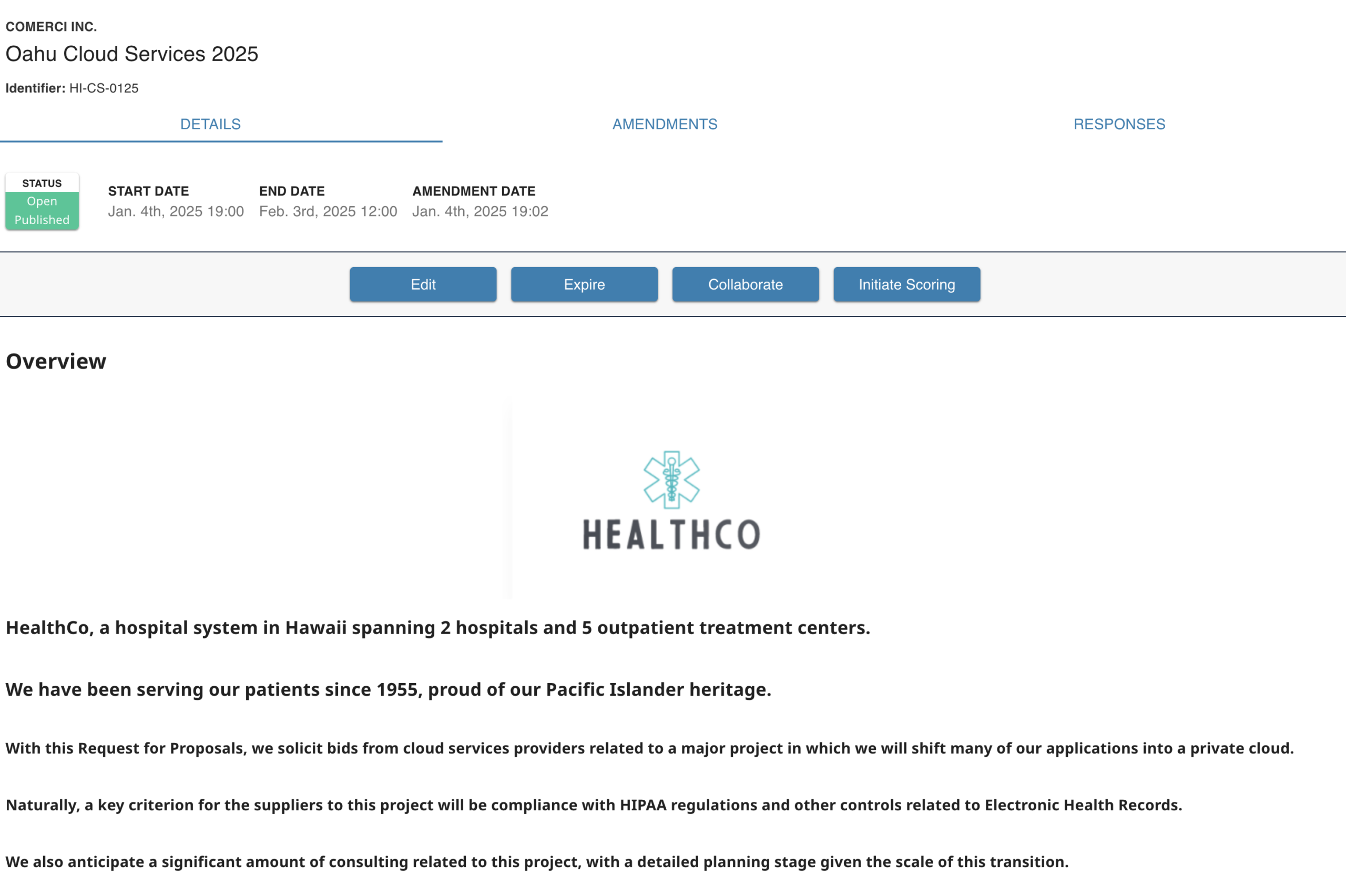
There is summary information at the top including its status, the start date, end date, and most recent amendment date.
5. Click on the tab “RFP Amendments” to see a trail of the amendments:

6. Click on the tab “Responses” to see links to any responses from suppliers. (Here, there are none).
