How Do I Upload a Basic RFP/RFQ?
It is easy in Sextant AI to use our standard template for uploading an RFP/RFQ solicitation.
Last updated February 2026
Who Is This For?
This is for buyers looking to upload a basic bid solicitation or for existing users who need a refresher on how to launch an acquisition project on Sextant AI. A basic bid solicitation is one in which the buyer uploads an RFP document for suppliers to review. For customized templates, please contact Sextant support.
Common Issues
Buyers may need some help on getting started the first time.
Solution Overview
1. Navigate to “RFP Upload” in the left hand menu:

You will see a page like this in the main body:
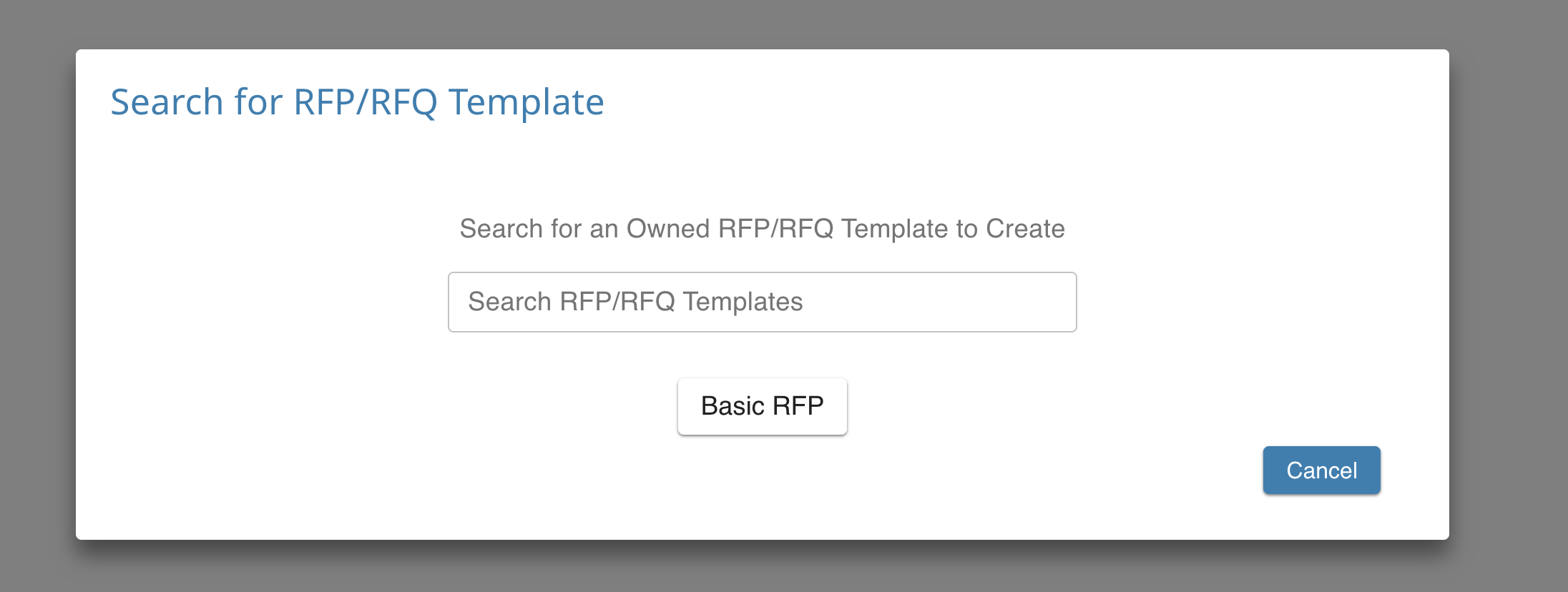
Click “Basic RFP”
2. Select either “Private” or “Public” from the first dropdown menu. In a private RFP, the buyer selects the recipients, say from vendors they have vetted previously. In a public RFP, everyone on Sextant AI can see the bid solicitation. The default selection is “Private”.
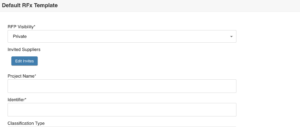
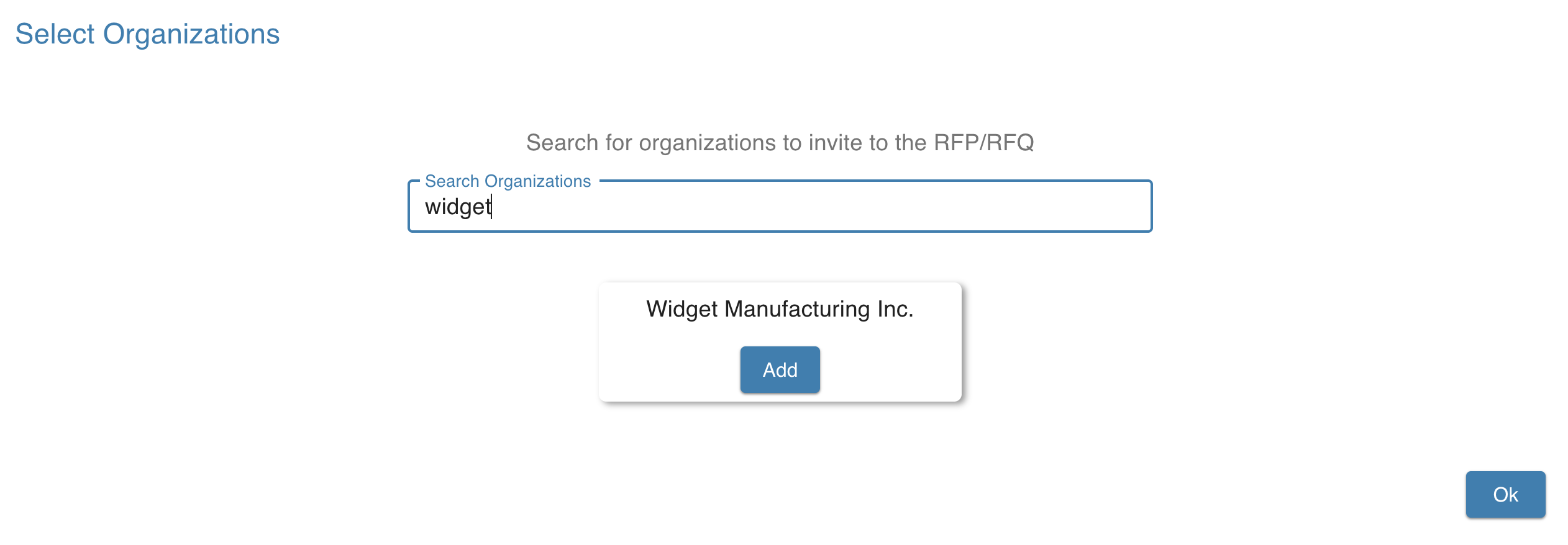
3. If it is a Private project, then search for the desired suppliers.
4. Give the project a name so that invited suppliers (or suppliers seeing a public project) know what you are looking to purchase.
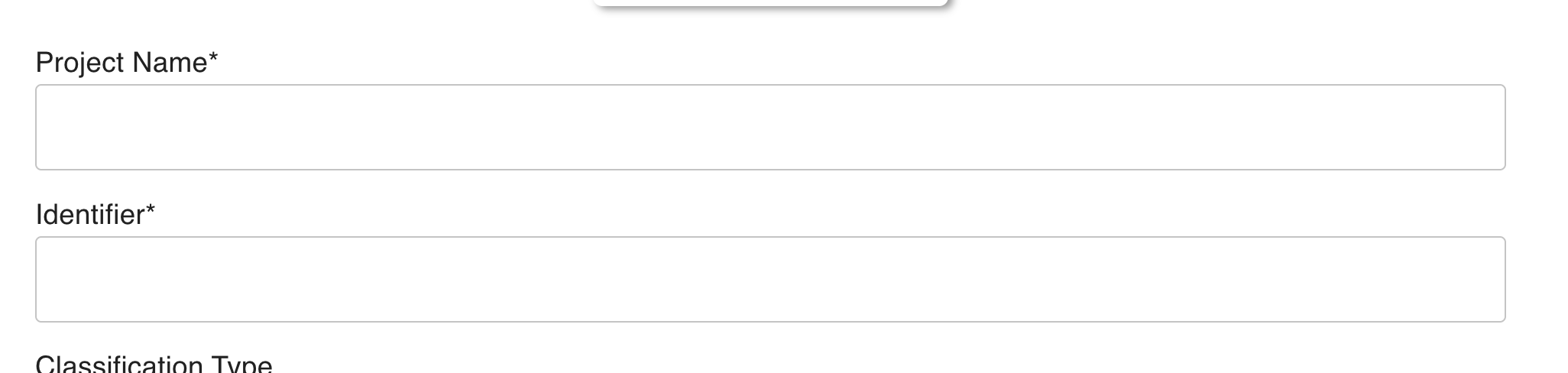
Assign it an internal project number called an “Identifier.” This will also be used to sequester the conversation for this project with your invited suppliers.
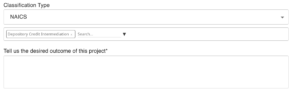
5. Choose either an NAICS or a UNSPSC industrial code, using the drop down menu
6. Upload any relevant RFP documents:
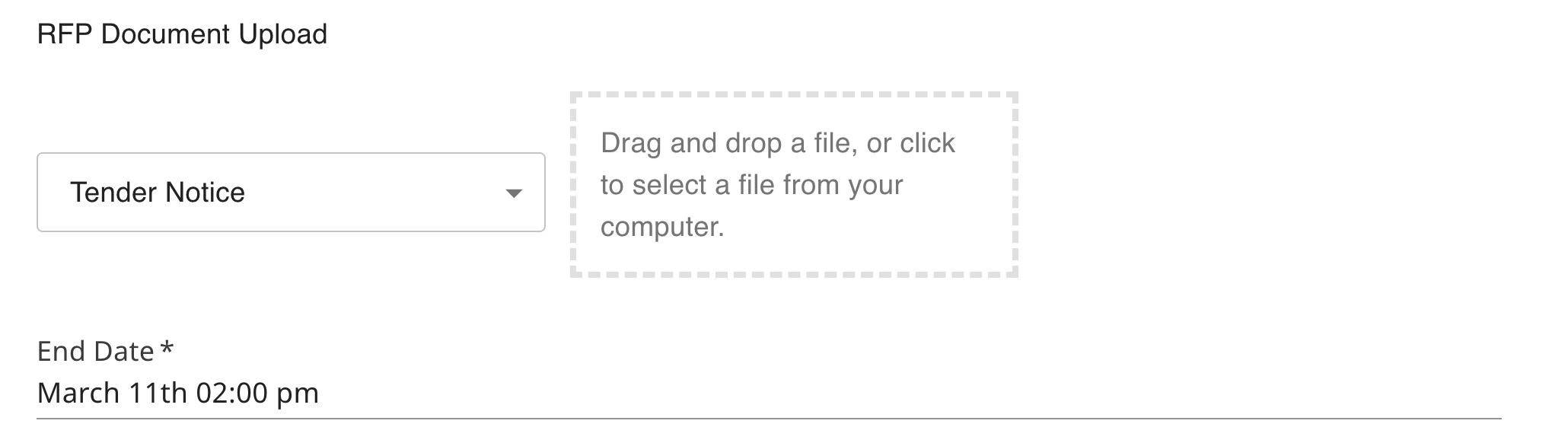
Set the end date and either save it as a draft or publish it:

The project is now live in your “My Open RFPs” tab in the left hand menu.
Still Need Help?
Shoot us a message at support.